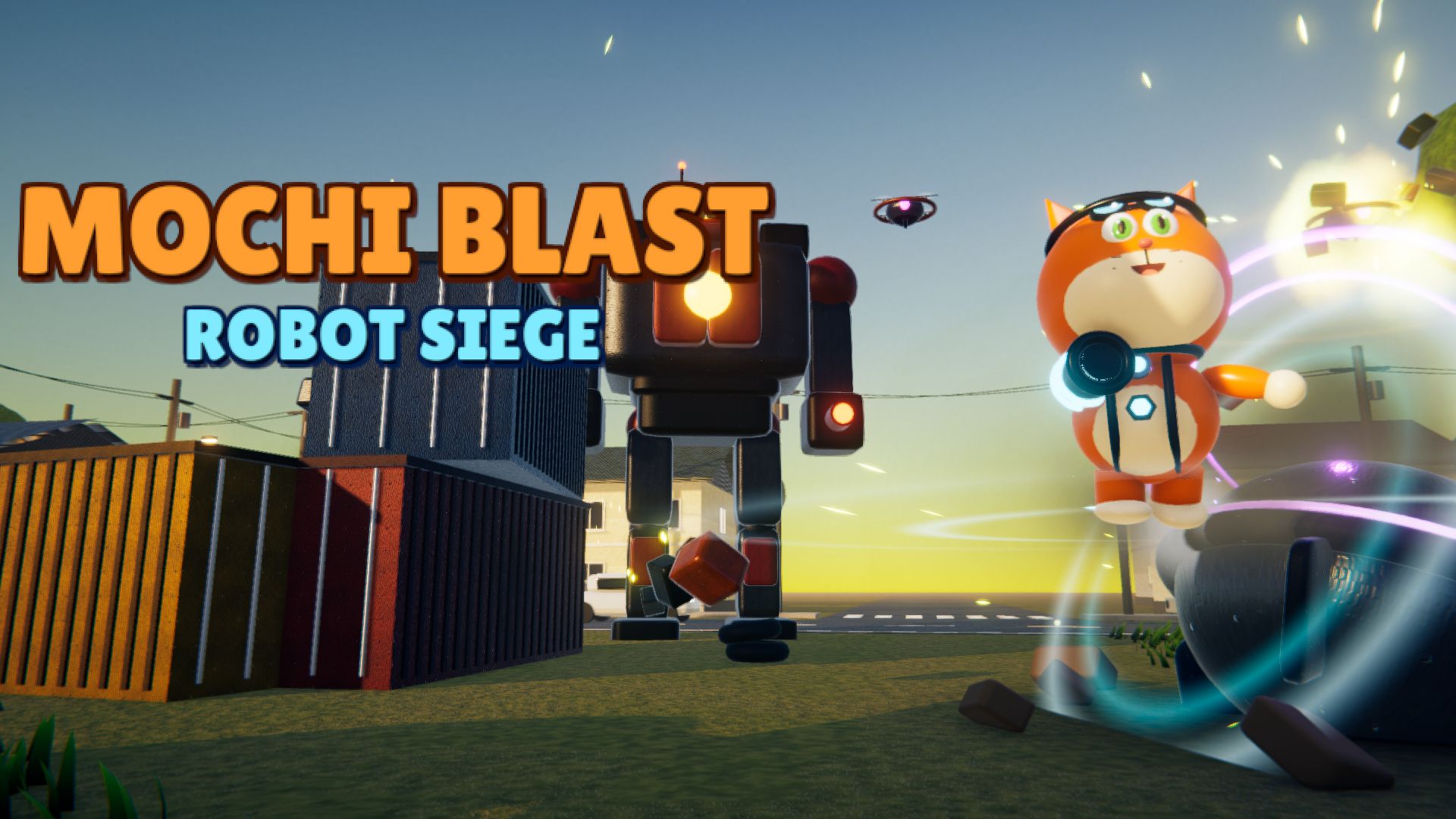
Mochi Blast: Robot Siege
About Mochi Blast: Robot Siege
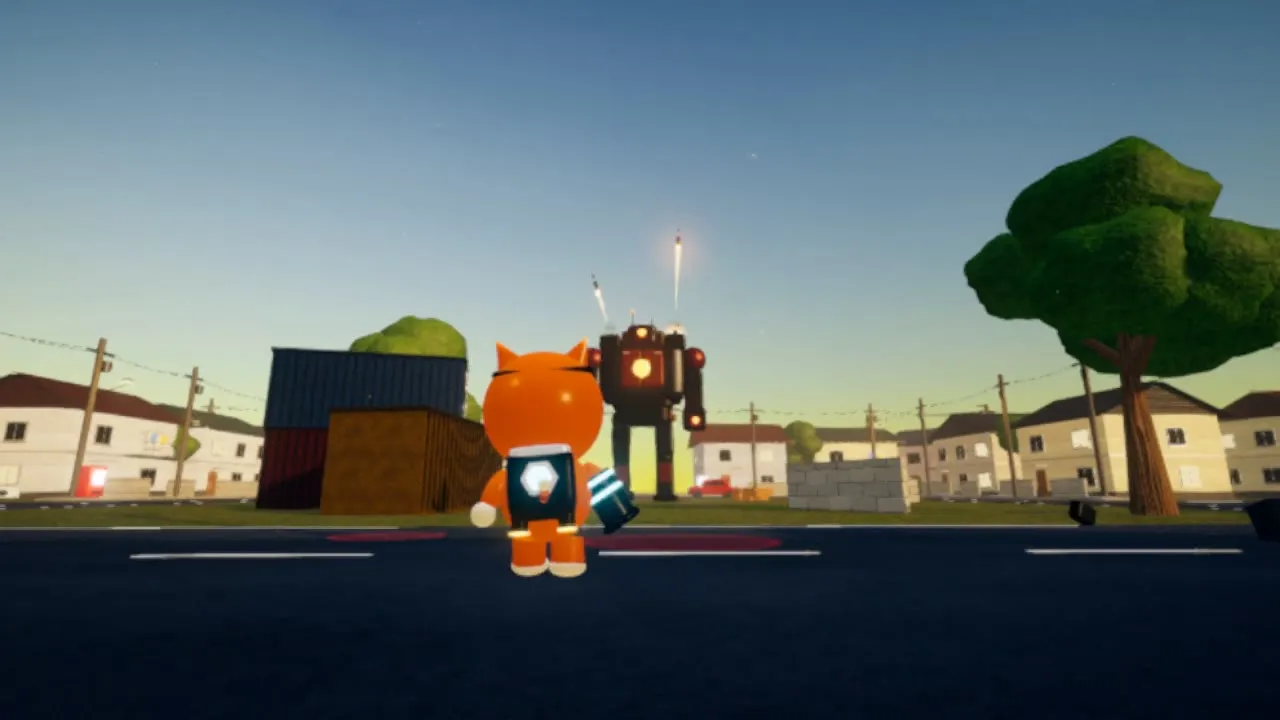
Mochi Blast: Robot Siege is a free 3D third-person shooter for your browser. A time machine has crashed in the middle of town and an army of rogue robots is pouring out. Only Mochi can stop them: a robot cat with a Pulse Blaster and the Q-Pack, a quantum backpack that 3D-prints new gadgets mid-battle.
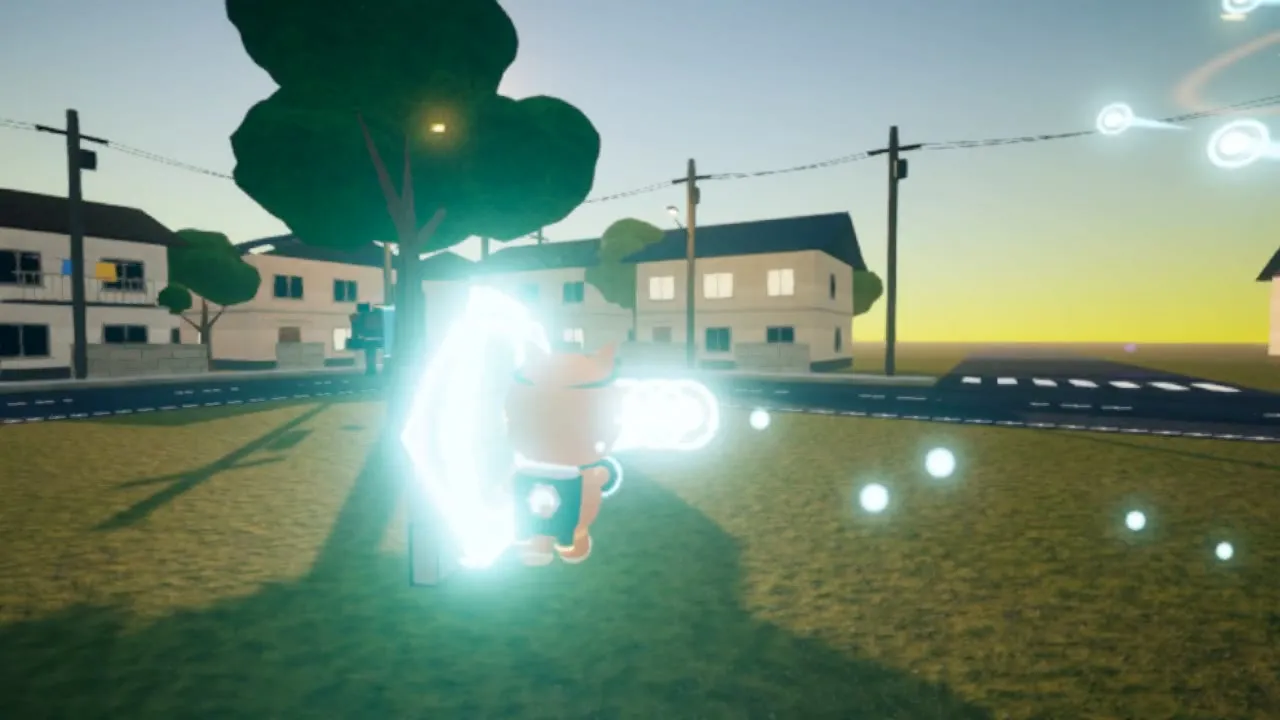
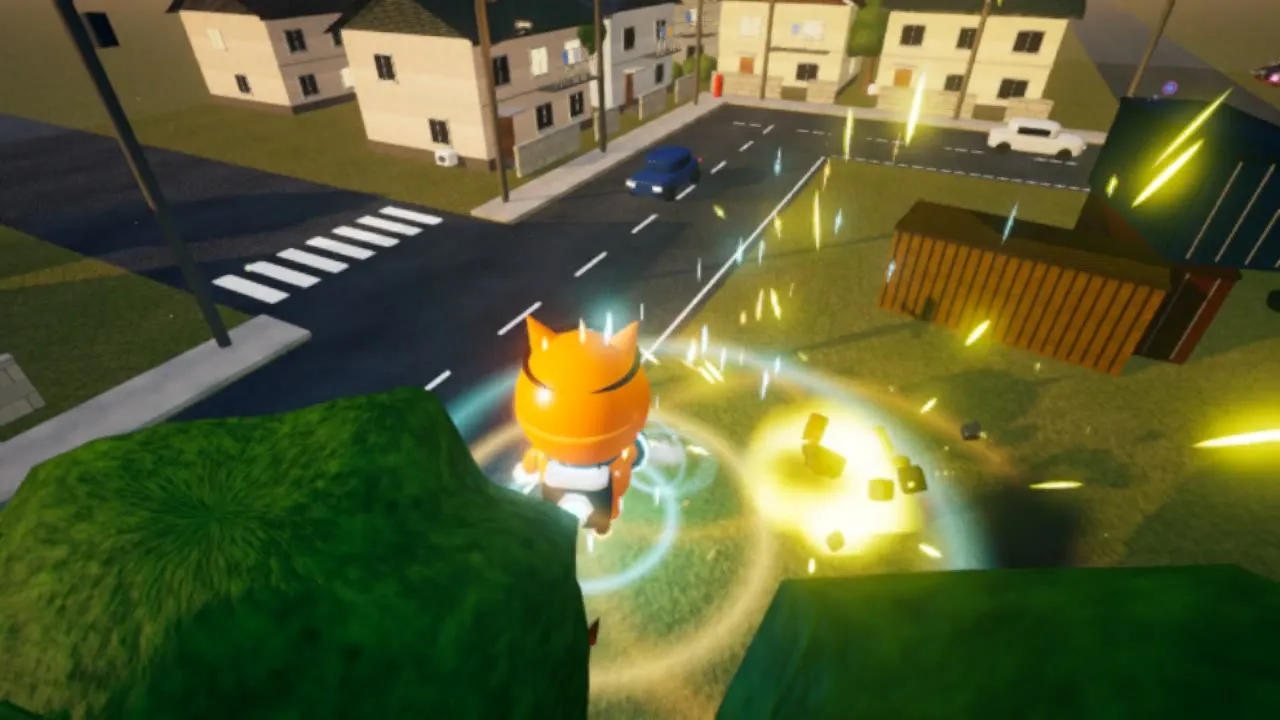
Blast robots with energy pulses, rocket over the battlefield with the jetpack and teleport out of trouble through a Warp Gate. Survive 7 waves, then take down the 12-meter Titan Mech, and keep going in Endless mode for a high score.
Features
- Charge a Mega Blast that sends whole robot squads flying
- Go Mega Mode and become a giant for 12 seconds
- Random upgrade cards after every wave: Common, Rare or Legendary
- Gadgets: Chrono Freeze, Shrink Ray, Hex Shield, Holo Decoy and Fish Feast
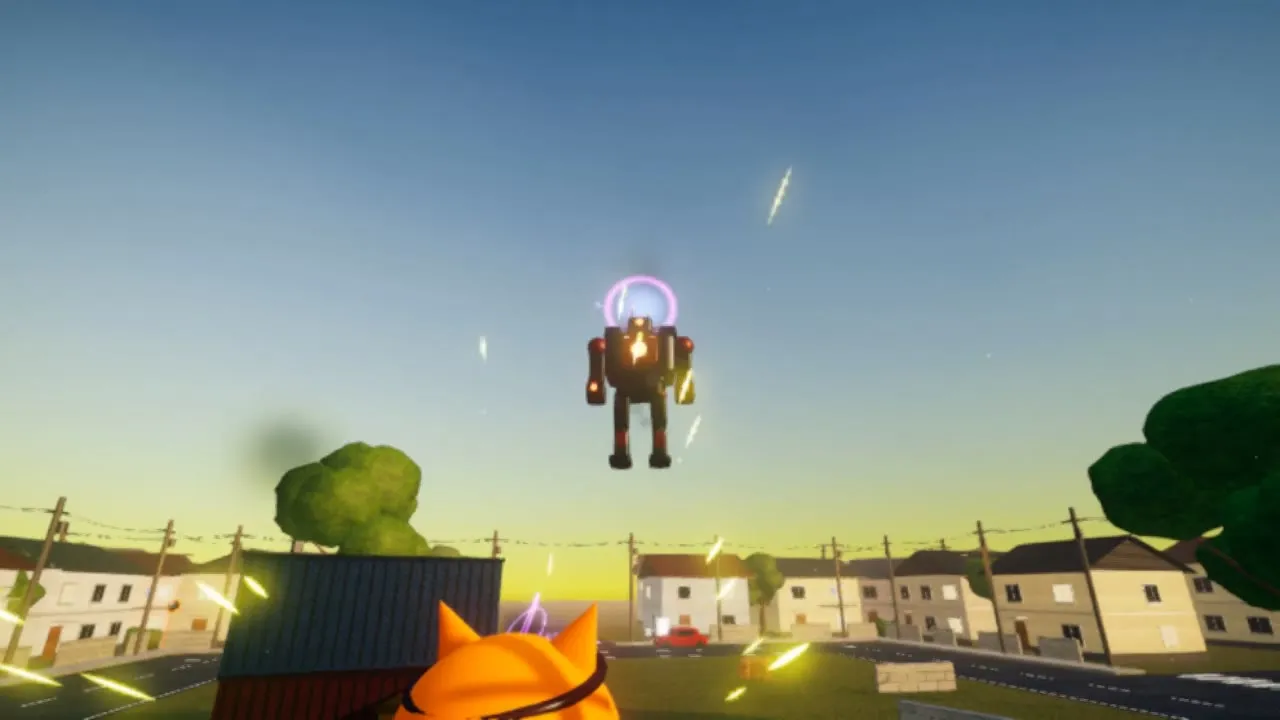
- A giant boss with shockwaves, missile barrages and an eye laser
- Endless mode, gamepad support and an interactive tutorial
How to play
| W A S D / arrow keys | Move |
|---|---|
| Mouse | Look and aim |
| Left click | Pulse Blaster (hold for rapid fire) |
| Right click (hold, release) | Mega Blast |
| Space (hold in the air) | Jump / jetpack |
| Shift | Warp Gate teleport |
| E, 1-5 / mouse wheel | Use / pick a gadget |
| Q | Mega Mode |
| P | Pause |
Gameplay video
Screenshots
Frequently asked questions
Is Mochi Blast: Robot Siege free?
Yes. Mochi Blast: Robot Siege is completely free to play in your browser. There is nothing to buy to finish the game.
Do I need to download or install Mochi Blast: Robot Siege?
No. The game runs directly in your web browser. The first visit loads about 15 MB, which is cached by your browser so later visits start faster.
Can I play Mochi Blast: Robot Siege on my phone or tablet?
Mochi Blast: Robot Siege is designed for keyboard and mouse, so it is best played on a computer. It needs a browser with WebGL 2, such as Chrome, Edge, Firefox or Safari.
Is my progress saved?
Yes. Your progress is saved automatically in your browser on this device. Clearing browser data will reset it.
What do I need to run Mochi Blast: Robot Siege?
Any recent version of Chrome, Edge, Firefox or Safari with WebGL 2. A computer from the last few years runs it smoothly; the game lowers its graphics automatically on slower devices.