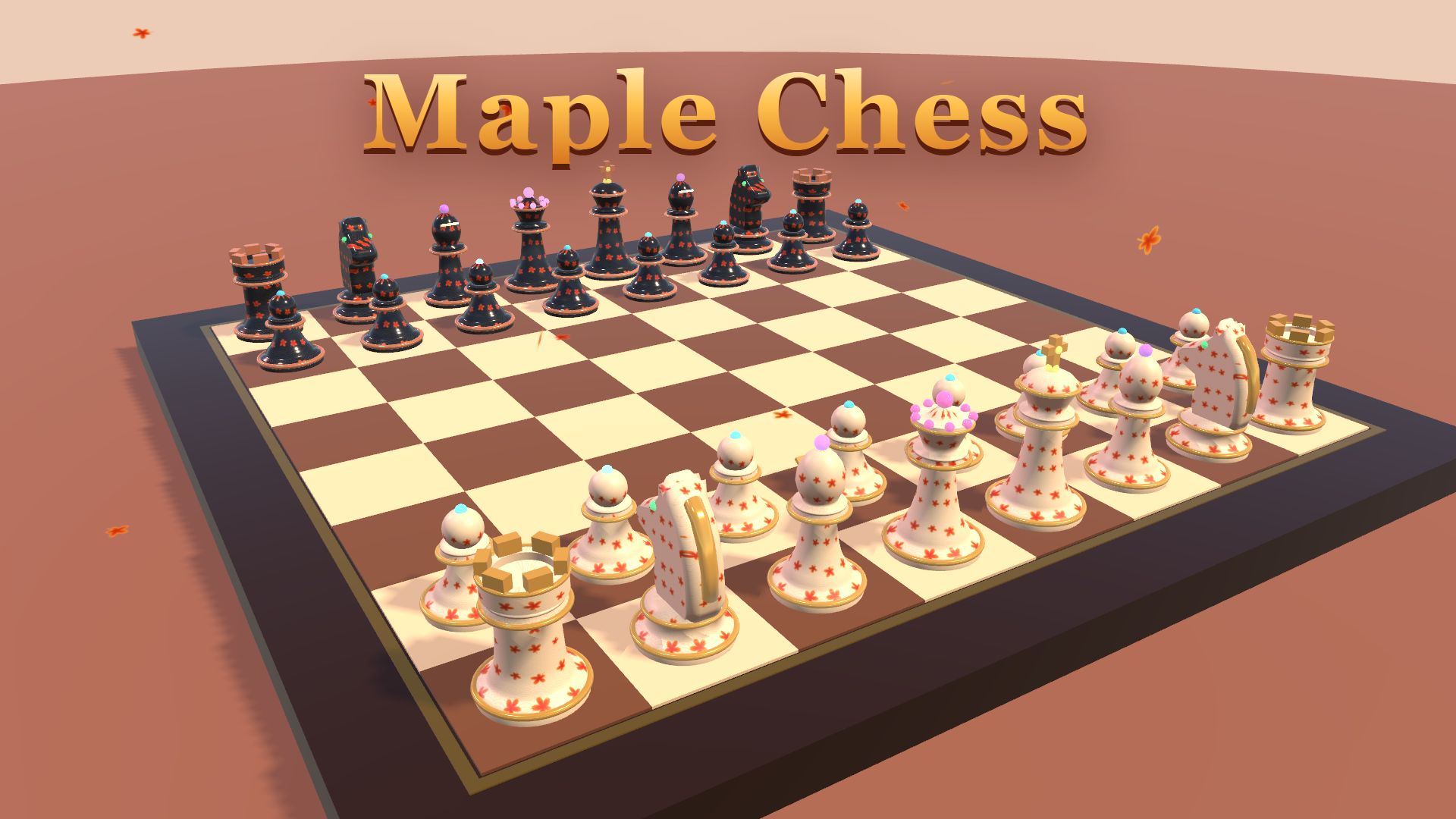
Maple Chess
About Maple Chess
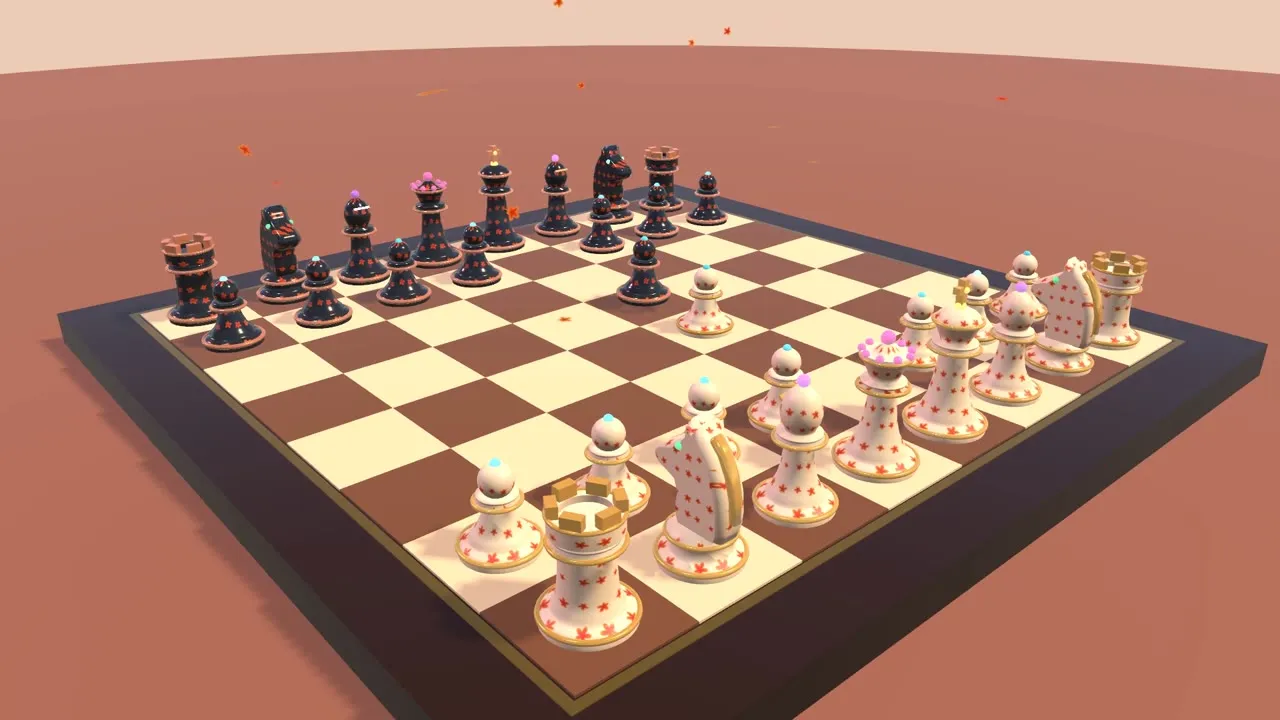
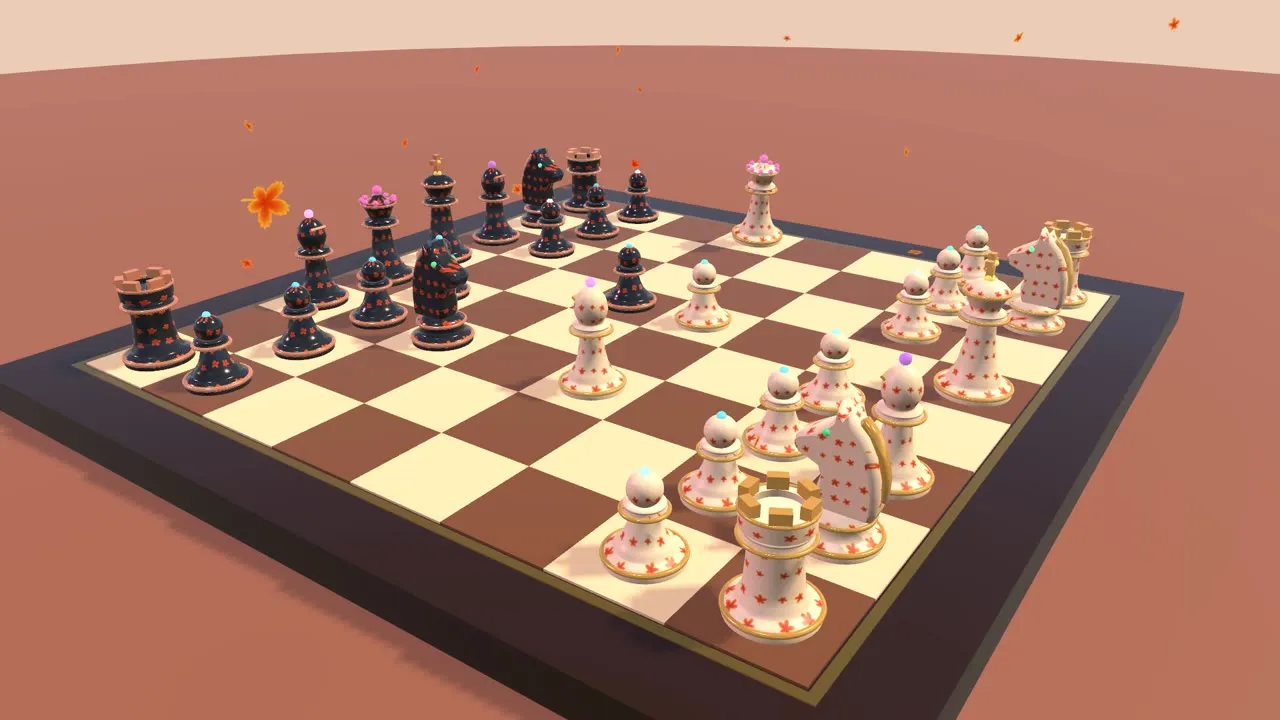
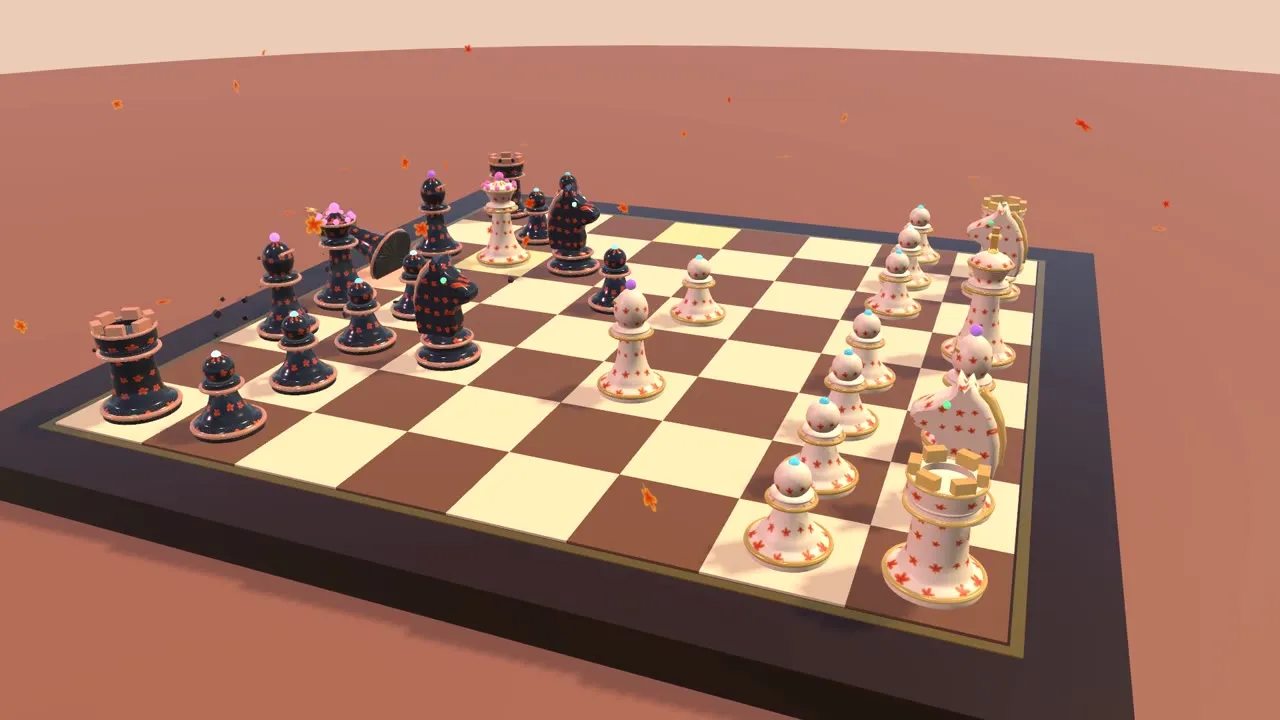
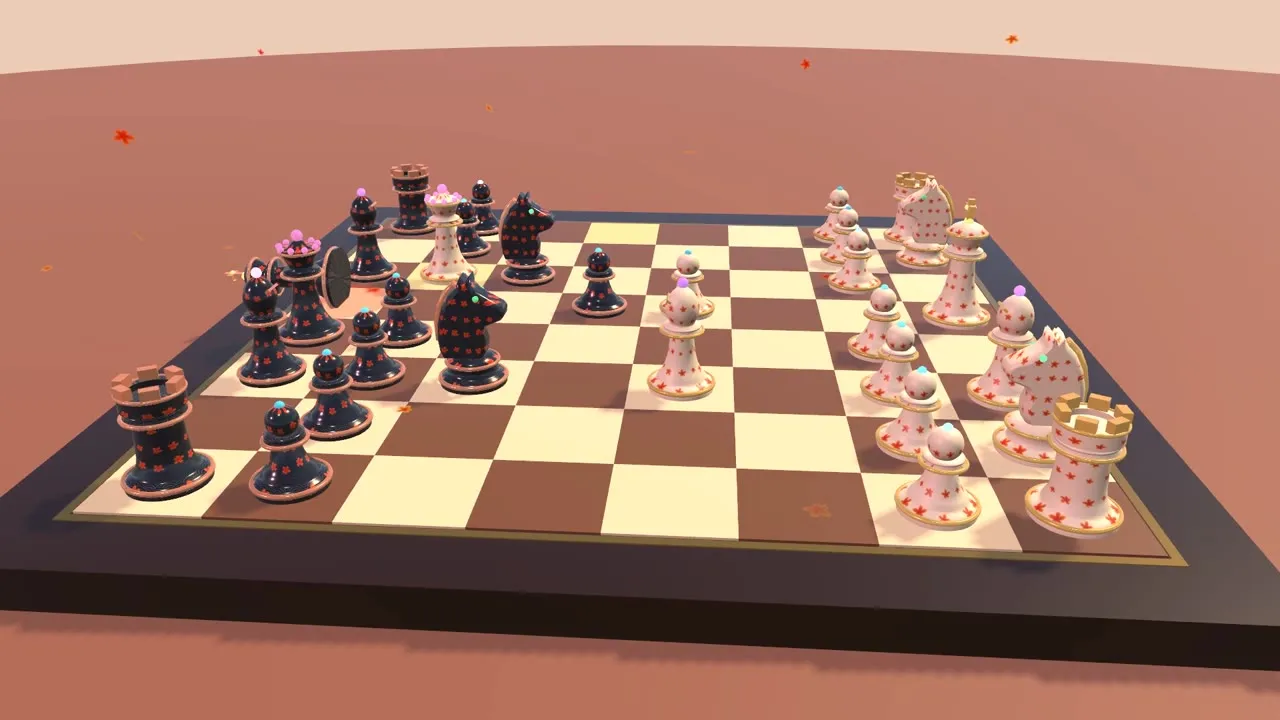
Maple Chess is a free 3D chess game set in an autumn garden. Every piece is decorated with maple leaves and golden wave patterns and has a personality of its own: pawns bounce, knights rear up, queens float and kings look around.
Every move is animated. Knights somersault over the board, captured pieces shatter into a gust of maple leaves, checks ring a temple bell and checkmate topples the king. Play the computer on three levels or a friend on the same device.
Features
- Full chess rules: castling, en passant, promotion, stalemate, 50-move rule and threefold repetition
- Play the AI as White or Black on Easy, Medium or Hard
- 2-player mode on one device
- Undo, board flip and a move list in standard notation
- Free camera orbit and zoom
- Guzheng-style sound effects and music
How to play
| Mouse | Click a piece, then a highlighted square |
|---|---|
| Right drag / wheel | Orbit and zoom the camera |
| Z / Backspace | Undo |
| F | Flip the board |
| Touch | Tap a piece then a square, pinch to zoom |
Gameplay video
Screenshots
Frequently asked questions
Is Maple Chess free?
Yes. Maple Chess is completely free to play in your browser. There is nothing to buy to finish the game.
Do I need to download or install Maple Chess?
No. The game runs directly in your web browser. The first visit loads about 9 MB, which is cached by your browser so later visits start faster.
Can I play Maple Chess on my phone or tablet?
Yes. Maple Chess has touch controls and works on modern phones and tablets. Landscape mode gives the best view.
Is my progress saved?
Yes. Your progress is saved automatically in your browser on this device. Clearing browser data will reset it.
What do I need to run Maple Chess?
Any recent version of Chrome, Edge, Firefox or Safari with WebGL 2. A computer from the last few years runs it smoothly; the game lowers its graphics automatically on slower devices.